Straight to your scene
Pick a composition and start filming. Three free compositions let you keep practising before choosing Pro.

Adunor · iPhone filming and composition
Adunor helps iPhone filmmakers frame and record videos with live guidance. Three compositions are free to use now; Adunor Pro adds more compositions and complete sequence plans.

Requires an iPhone with iOS 26 or later.
Available now on the App Store.
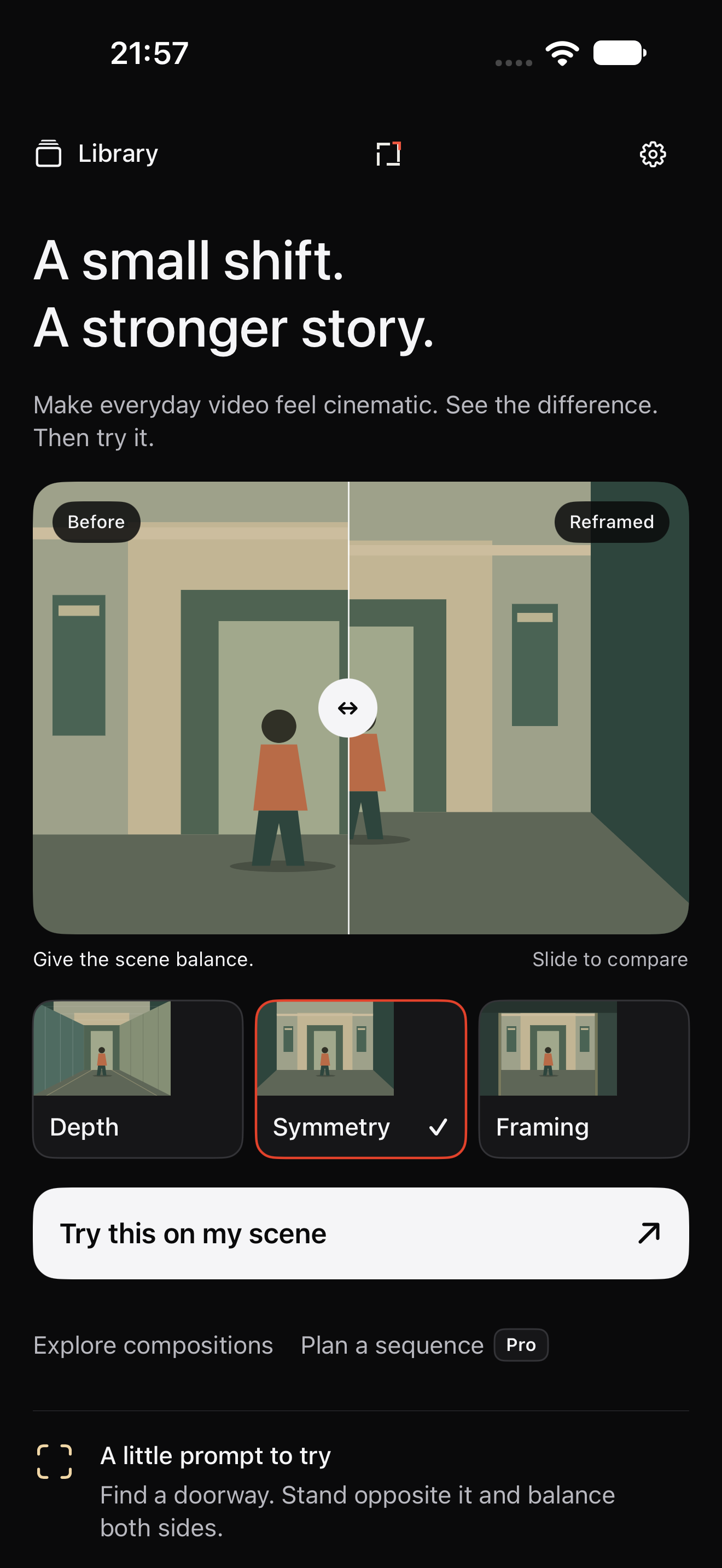
Compare two ways to frame the same illustration. Choose a composition and go straight to the camera. No description required.
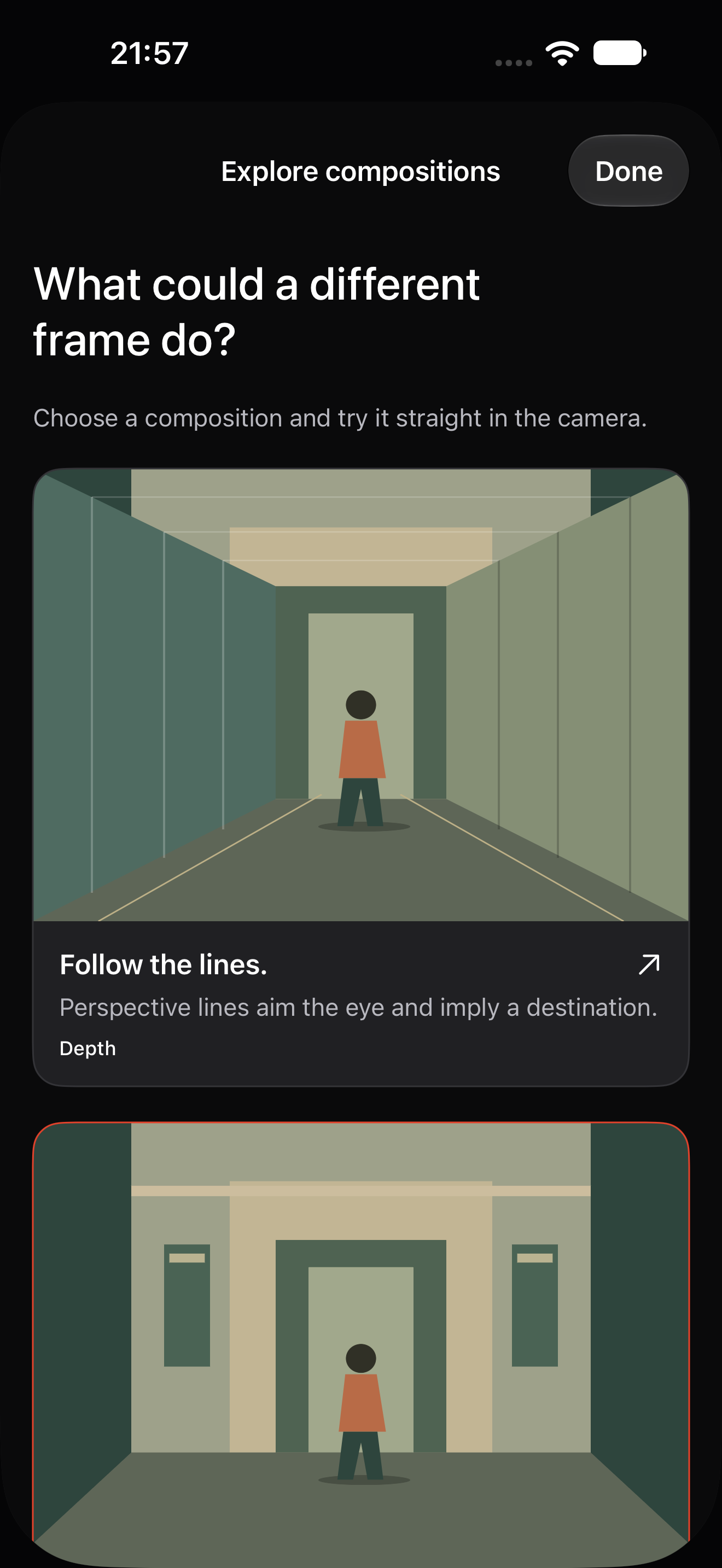
Explore visual examples of depth, symmetry and framing. Choose one and try it on your own scene.
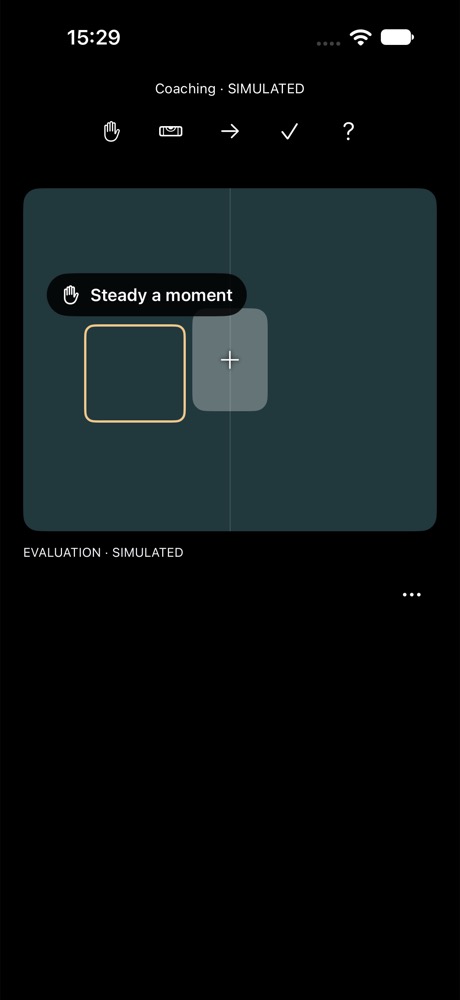
A visual cue near your subject helps you make one adjustment at a time. Interface demonstration using a simulated scene.
New in Adunor 1.1
Pick a composition and start filming. Three free compositions let you keep practising before choosing Pro.
Follow a discreet cue near your chosen subject, with level and steadiness guidance processed on your iPhone.
A clearer recording timer, larger playback and fullscreen viewing keep the focus on your take.
Live guidance · on your iPhone
The camera records the moment. Adunor helps you decide how to frame it.
Tap the area you want to follow and confirm it. Choose the centre or a third: you set the intention, and the guide follows your chosen area.
A small arrow beside your subject shows which way to place it. Hold the alignment briefly and receive a quiet confirmation. One framing cue at a time, close to the action.
Check your level and steadiness, record your take, then replay it in a larger view that respects its original proportions. Open fullscreen to see the details.
After a take, a short note can highlight a measured moment of alignment or low rotation, with one suggestion for the next take. It appears only when the session provides enough reliable measurements. No aesthetic score, and no analysis of the saved video.
Apple Vision follows your selected area; motion sensors inform level and steadiness cues. A local coaching engine prioritises one cue at a time.
The guide follows an area you select; it does not grade your taste or guarantee tracking in every scene. When tracking is lost, choose the area again. Live guidance runs on the device.
Planning is optional. Describe your idea, preview two shots, then unlock a complete plan with Pro.
One shot at a time, with a clear intention and guidance for the scene.
Bring selected takes together to check how they flow, then refine their beginnings and endings.
A craft in progress, a recipe, a portrait in motion or the details of a place. Adunor helps iPhone filmmakers who want varied shots and a sequence that holds together.
Make short sequences with Adunor, now available on the App Store.
Record freely with Depth, Symmetry and Framing. Pro unlocks the other compositions and complete sequence plans. Your saved footage stays available to replay, export and share without a subscription.
Depth, Symmetry and Framing recordings, composition lessons and two-shot plan previews.
More compositions and complete sequence plans. Choose a monthly or annual subscription; your local price and any eligible trial are shown in the app.
Replay, export and share your saved videos even without an active subscription.
Your videos, plans and creative text stay on your device unless you choose to export or share them. Apple and RevenueCat handle purchase information.
Download on the App Store →